Link in Bio for YouTubers: Turn Subscribers into a Real Community

The Problem Every YouTuber Faces
You have spent months, maybe years, building an audience on YouTube. Thousands of subscribers. Millions of views. But here is the uncomfortable truth: you do not own that audience. YouTube does.
One algorithm change can slash your reach overnight. One policy update can demonetize your channel. And the platform gives you exactly one place to send people outside the ecosystem — a single link in your channel banner, and another in each video description. Most creators waste these precious touchpoints by linking to random URLs or outdated social profiles.
A well-structured link in bio page changes everything. Instead of scattering your audience across a dozen platforms, you funnel them through one central hub that you control. Your merch, your newsletter, your podcast, your sponsorship deals, your community — all accessible from one clean, mobile-optimized page.
Why YouTube's Built-in Links Are Not Enough
YouTube lets you add links to your channel banner and video descriptions. So why do you need a dedicated link in bio page?
The banner link problem
Your channel banner displays up to five links, but they only appear on desktop. On mobile — where over 70% of YouTube watch time happens — those links are buried under the "About" section. Most viewers never see them.
The description link problem
Video descriptions support unlimited links, but here is what actually happens: viewers watch your video on their phone, hear you say "check the link in the description," and then have to tap "Show more," scroll past timestamps, and hunt for the right URL. Every extra step loses you conversions.
The solution
A single, memorable link in bio URL (like getmyliinks.me/yourchannel) that you mention in every video, pin in every description, and place in your banner. One link to rule them all.

What Your Link in Bio Page Should Include
Not every link deserves a spot on your page. The goal is to prioritize actions that build your business, not just inflate vanity metrics.
1. Email or SMS signup (top priority)
This is the single most important block on your page. Your email list is the only audience you truly own. Unlike YouTube subscribers, email contacts cannot be taken away by an algorithm change.
Place a newsletter signup block at the very top of your page with a clear value proposition: "Get my weekly editing tips" or "Join 10K creators getting exclusive behind-the-scenes content."
2. Your latest or best video
Embed or link to your most recent upload or your all-time best-performing video. This keeps your link in bio page feeling fresh and gives new visitors an immediate taste of your content.
3. Merch and digital products
If you sell merchandise, courses, presets, templates, or any digital product, this belongs on your page. Use eye-catching thumbnails and clear pricing. A dedicated product block converts significantly better than a plain text link to your Shopify store.
4. Community links
Discord server, Patreon, membership site — whatever platform hosts your inner circle. Position this below your email signup but above less critical links.
5. Sponsorship or collaboration inquiries
If you accept brand deals, include a contact or booking link. This makes it effortless for brands to reach you without hunting for your email in a video description.
6. Other social platforms
Instagram, TikTok, Twitter, Twitch — but place these at the bottom. The goal is to keep visitors on your page long enough to take a valuable action, not to immediately bounce them to another social platform.
How to Structure Your Page for Maximum Conversions
The order of your links matters enormously. Here is a proven layout that top YouTubers use:
1. Headline + profile photo (brand recognition)
2. Email/newsletter signup (highest value action)
3. Featured content (latest video or pinned content)
4. Products & merch (revenue generation)
5. Community (Discord, Patreon, membership)
6. Booking/contact (brand deals)
7. Social links (lowest priority)
This structure follows the inverted pyramid of value: the most important actions appear first, when visitor attention is highest. By the time someone scrolls to your social links, they have already had the chance to join your email list, watch your content, or buy your product.
Real Examples: What Top Creators Get Right
The educator approach
Educational YouTubers like course creators and tutorial channels benefit from a page that leads with their flagship course or lead magnet. A free PDF, checklist, or mini-course drives email signups, which then fuels a sales funnel for their premium offerings.
Ideal page structure:
- Free resource download (lead magnet)
- Flagship course link
- YouTube channel link
- Community Discord
- Social links
The entertainer approach
Entertainment and vlog channels should lead with personality. A bold profile photo, a catchy tagline, and links to the latest viral video. Merch links should be prominent since entertainment audiences are often the most loyal buyers.
Ideal page structure:
- Latest video embed
- Merch store
- Patreon or membership
- Social links
- Business email
The multi-platform creator
If you create content across YouTube, TikTok, Instagram, and a podcast, your link in bio becomes mission-critical. It is literally the only place where your fragmented audience can see everything you do in one view.
Ideal page structure:
- Newsletter signup
- Latest YouTube video
- Latest podcast episode
- TikTok and Instagram links
- Merch or products
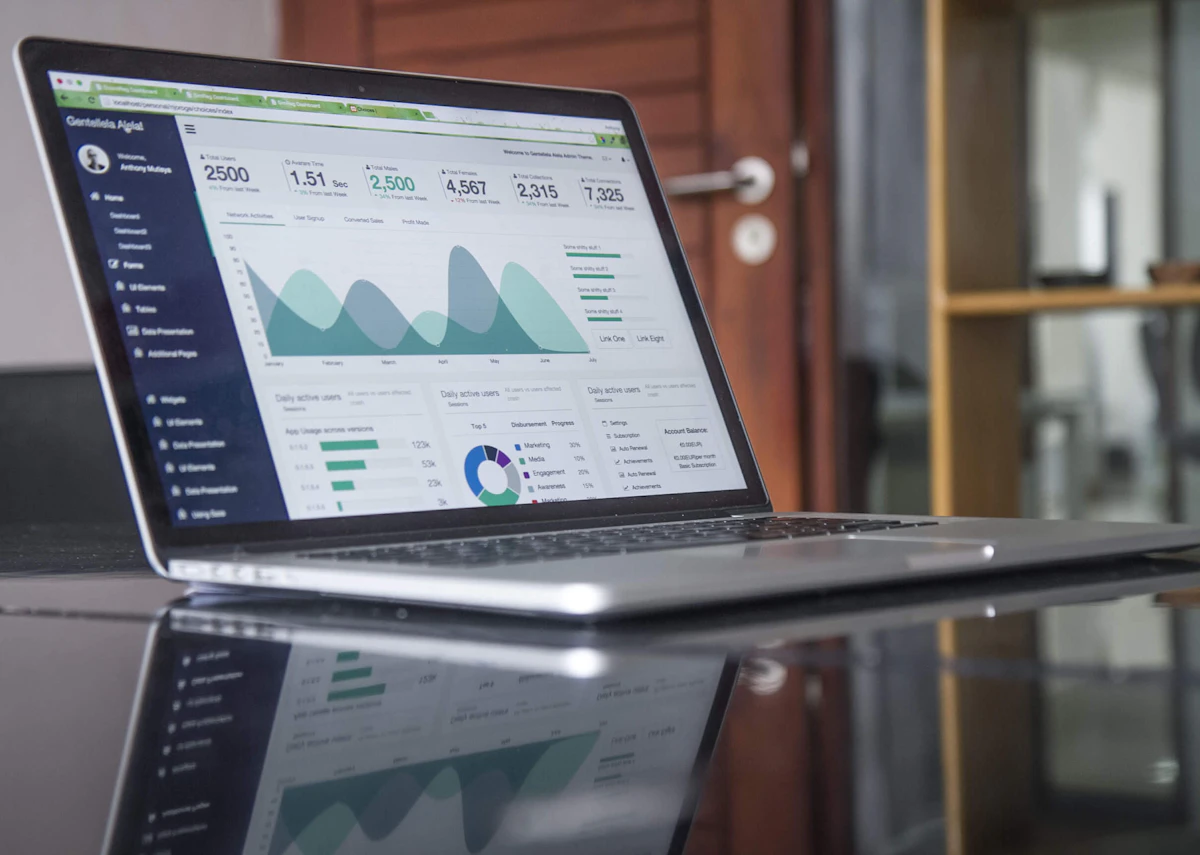
Tracking What Works: Analytics That Matter
A link in bio page without analytics is like a YouTube channel without Studio. You need data to optimize.
Key metrics to track
- Click-through rate (CTR): What percentage of visitors actually click a link? If your email signup has a 2% CTR but your merch link has 15%, you know where your audience's attention goes.
- Top-performing links: Which links get the most clicks? This tells you what your audience actually wants, not what you think they want.
- Traffic sources: Are visitors coming from your YouTube description, Instagram bio, or TikTok? This helps you understand which platform drives the most engaged traffic.
- Geographic data: Knowing where your audience lives helps you plan merch shipping, schedule live streams, and target sponsorship deals.
How to use this data
Review your analytics weekly. If a link is getting zero clicks, remove it — it is just adding clutter. If your newsletter signup is outperforming everything else, consider moving it higher on the page or making the call-to-action more prominent.
Common Mistakes YouTubers Make
Too many links
More links does not mean more clicks. In fact, research on the paradox of choice shows that too many options lead to decision paralysis. Keep your page to 6-8 links maximum.
Outdated content
If your "latest video" link points to something you uploaded three months ago, visitors lose trust. Either update it regularly or use a tool that automatically pulls your latest upload.
No clear call-to-action
Every link on your page should have a purpose. "Click here" tells the visitor nothing. "Get my free editing preset pack" tells them exactly what they get and why they should care.
Generic styling
Your link in bio page is an extension of your brand. If your YouTube channel has a bold, colorful aesthetic, your link page should match. A default-looking page with no customization undermines the professional image you have built on YouTube.
Setting Up Your YouTube Link in Bio in 5 Minutes
Here is how to get started with getmyliinks (see all plans):
- Sign up — Create your free account and claim your username.
- Add your profile photo — Use the same one as your YouTube channel for instant brand recognition.
- Add your headline — Something short that captures your niche: "Tech Reviews & Honest Opinions" or "Fitness Tips for Busy People."
- Add your priority links — Start with email signup, latest video, and your top product. You can always add more later.
- Customize your theme — Match your YouTube channel's color palette and overall aesthetic. Explore our ready-made templates for creator-optimized designs.
- Copy your URL — Drop
getmyliinks.me/yourusernameinto your YouTube banner, video descriptions, and every other platform.
The Bottom Line
YouTube is an incredible platform for building an audience, but it is a rented space. Your link in bio page is the bridge between YouTube's ecosystem and the assets you actually own — your email list, your products, your community.
The creators who thrive long-term are the ones who treat every YouTube subscriber as someone to convert into a deeper relationship. A well-optimized link in bio page is the simplest, most effective way to make that happen.
Ready to build yours? Create your free getmyliinks page and start converting viewers into a community you own.
Keep Reading
- Link in Bio for TikTok: Convert Viewers into Real Fans — Similar strategies tailored for TikTok creators.
- Link in Bio for Instagram 2026: What Actually Works Now — Instagram-specific optimization techniques.
- How to Monetize Your Audience as a Content Creator — Turn your subscribers into a sustainable income stream.