Link in Bio for Instagram 2026: What Actually Works Now

The Instagram Landscape Has Changed in 2026
Instagram has evolved significantly over the last few years. The aggressive push into short-form video (Reels), the integration of Threads, and the shifting algorithmic priorities have fragmented how creators reach their audience. However, through all these massive structural changes, one truth remains absolute: the single link in your bio is more valuable than ever. It remains the only place on your main grid where you can send someone with a clean, direct click out of the app.
But simply dropping a generic URL to your website's homepage is no longer enough. Modern follower attention spans are shorter than ever. Here is an in-depth guide on what actually works for an Instagram link in bio in 2026.
Why Your Bio Link Is a Make-Or-Break Asset
Think about the rigid nature of Instagram: the platform actively prevents you from putting clickable links in your post captions, regular comments, or unverified DMs (unless you are paying heavily for ads). Therefore, your bio link is the only organic, always-on traffic driver that you completely control.
With the massive reach of Reels and viral discovery pages, thousands of entirely new, cold visitors might randomly land on your profile within a 48-hour window when a video takes off. If they find an unoptimized Linktree alternative or a slow-loading website homepage, nearly all of that precious traffic will bounce instantly without converting.
The Anatomy of a High-Converting Link Page
If you want to monetize your Instagram effectively, you need to structure your link page strategically.
1. Establish One Clear Primary Action
When you set up your page, ask yourself ruthlessly: What is the single most valuable action a brand-new visitor can take right this second?
- Subscribe to your high-value newsletter?
- Book a free discovery consultation call?
- Download a lead-magnet (e.g., a free PDF guide)?
- Buy your brand new, bestselling digital product?
Whatever that single action is, make it the absolute first link on your page. Make the button physically larger, use a contrasting accent color, and ensure the text is highly action-oriented.

2. Curate Your Secondary Links (Max 3–4)
Directly below your primary Call-to-Action (CTA), you can add a tightly curated list of secondary links:
- Your latest YouTube video or podcast episode.
- A secondary product or service offering.
- Links to your other active social platforms.
Crucial Warning: Avoid link overload at all costs. Having 7 or more links causes decision fatigue, causing visitors to leave without clicking anything. Data consistently shows that keeping it to exactly 4–5 highly targeted links converts exponentially better.
3. Inject Immediate Social Proof
If you have a strong customer testimonial, a notable press mention, or have reached a significant follower milestone, create a link or visual block highlighting it. Visitors who just discovered you via a random algorithmic Reel lack context; they need an immediate reason to trust your authority before they click on your paid offers.
Instagram-Specific Aesthetic Rules
Instagram is a highly visual platform. Your followers expect aesthetics. If your link page looks jarringly different from your perfectly curated grid, you break the user's trust.
- Match Your Palette: Sync the background and button colors of your link tool to precisely match the aesthetic vibe of your current Instagram feed. Start with one of our designer templates.
- Keep Face Recognition: Use the exact same profile photo on your link page as you do on your Instagram. Consistency creates instant subconscious trust.
- Action-Oriented Microcopy: Use short, verb-forward link labels. Use "Watch the New Vlog" instead of the passive "My YouTube Channel".
- Strictly Mobile-First: 99% of your Instagram visitors are tapping via their phone screens. If you use a heavy, desktop-focused site builder instead of an optimized link-in-bio tool, your load times will kill your conversion rates.
The Secret: Timing Your Bio Link Updates
One of the highest-converting strategies that most creators completely ignore is actively syncing their bio link to their immediate content schedule.
If you just posted a Reel thoroughly demonstrating a new digital product, your top link must go directly to that specific checkout page. Still using Linktree? Learn why creators are switching to free alternatives. If you just announced a free download on your Stories, that download link needs to immediately move to the top slot.
You don't need to rebuild your whole website every time you post. With a dynamic tool like getmyliinks, you can seamlessly reorder links or toggle visibility on and off directly from your phone in 30 seconds.
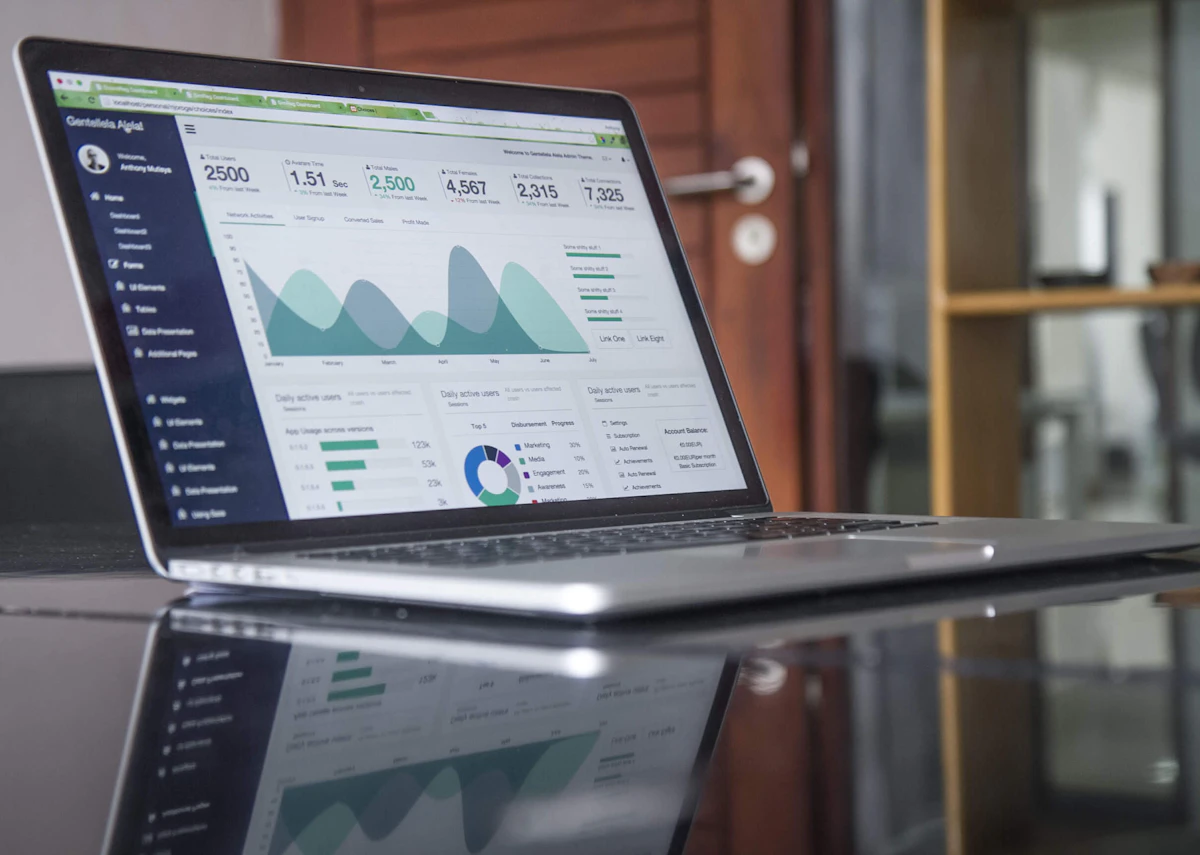
Measure Your Instagram Traffic Like a Pro
To truly optimize, you must use the robust analytics built into your link tool to see:
- The exact volume of unique visitors landing on your page daily.
- Which specific button copy gets the highest Click-Through Rate (CTR).
- What geographic locations your clickers are coming from.
By cross-referencing this data with your Instagram Insights, you can definitively identify exactly which type of Reels or carousel posts drive the most lucrative profile traffic.
Leverage Instagram Highlights
Don't let your old Stories disappear forever. Use dedicated Instagram Highlights below your bio specifically designed to promote your link page:
- A "FREE GUIDE" highlight that explains your lead magnet and directs viewers to click the link in bio.
- A "WORK WITH ME" highlight that breaks down your services and pushes people to your booking link.
- A "SHOP" highlight showcasing user-generated content from happy customers.
Conclusion
Your Instagram link in bio should never just be a static placeholder URL. It is a dynamic, powerful conversion asset. When built with a focused structure, a gorgeous aesthetic, and updated in real-time to match your content strategy, it transforms your profile into an automated traffic and revenue machine.
Set up your optimized getmyliinks page for free today—it literally takes less than 5 minutes to launch.
Keep Reading
- Link in Bio for TikTok: Convert Viewers into Real Fans — Platform-specific strategies for TikTok.
- How to Build a High-Converting Link in Bio — Universal design strategies for any platform.
- Best Link in Bio Tools Compared 2026 — How Instagram-focused tools stack up.